Fixing Duplicate Content With Canonical Tags : The Overlooked SEO Essential
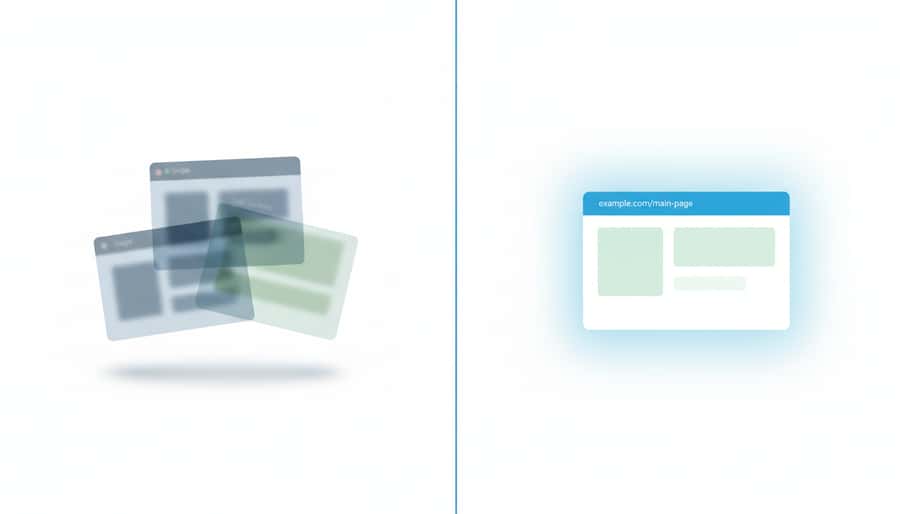
Run your site through an audit tool and there it is: duplicate content. You never copied a page in your life, so where did it come from? Usually from the site itself: the www and non-www versions, a tracking parameter, a print view, the same product under two categories. Google sees each variation as a separate page, splits your ranking credit between them, and picks whichever one it likes as the real one. The canonical tag is the one-line fix that tells it which page you meant. This guide shows you how to find your duplicates, set the tag, and confirm Google respected it.
What You’ll Learn in This Post
Why Duplicate Content Happens (Even If You Didn’t Intend It)
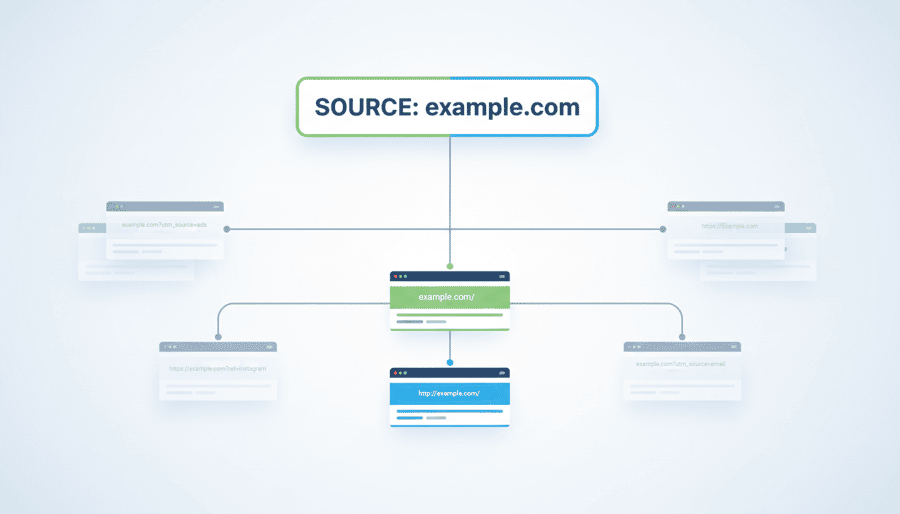
For many small businesses, duplicate content isn’t caused by copying pages—it’s caused by URL variations you didn’t know existed.
Common examples:
Search engines see these as separate pages unless told otherwise.
What Canonical Tags Do (Plain English)
A canonical tag tells Google:
“This is the official version of this page. Index this one.”
It’s a simple <link rel="canonical"> tag placed in the page’s metadata.
Canonical tags fix:
Without them, Google guesses. And sometimes it guesses wrong.
How Other Builders Create Duplicate Pages Without Telling You
Many builders introduce duplicates through:
These issues are often invisible inside the editor.
Result: your SEO strength is split across copies of the same content.
How StoryPress Prevents Duplicate Content Automatically
StoryPress is designed so most users never have to think about canonical tags.
1. Automatic canonical URLs
Every page, post, and collection item outputs a clean, consistent canonical tag by default.
2. Unified URL structure
StoryPress avoids trailing-slash conflicts, insecure URL variations, and alternate paths.
3. No plugin or theme conflicts
StoryPress doesn’t layer multiple systems on top of each other—so you don’t get conflicting canonicals.
4. Clean content hierarchy
Content types map to predictable URL patterns, reducing accidental duplicates.
The result: search engines always know the right version of your content.
When to Override Canonical Tags
Most users never need to.
But overrides make sense when:
Canonical tags let you redirect ranking power to the right place—without changing what visitors see.
Quick Tests to Find Duplicate URLs Fast
Try these simple tests:
1. Search your site in Google using site:
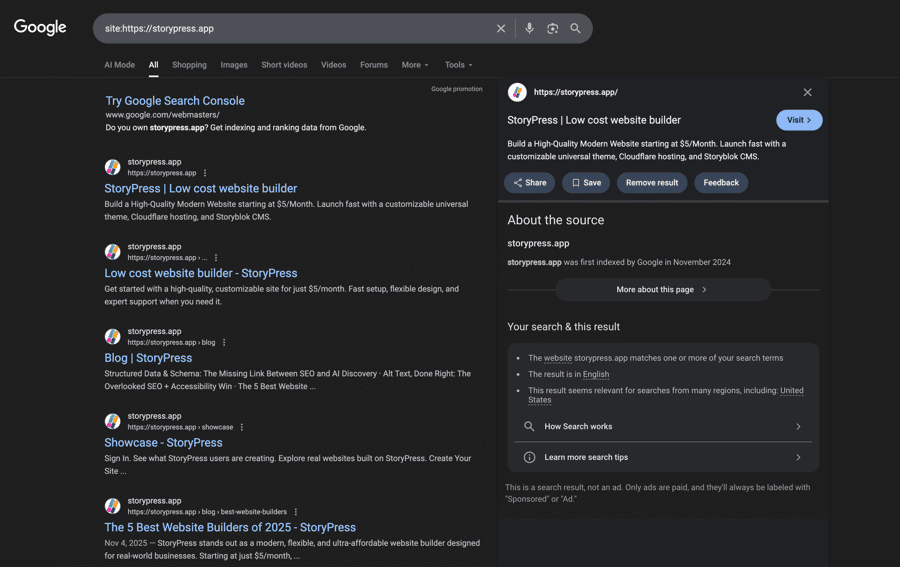
Look for:
2. Add slashes to your URLs
Try:
Each should resolve to the same final URL.
3. Inspect canonicals with your browser
Most browsers let you view the page source to confirm the canonical tag.
Final Thought
Duplicate content is one of the easiest SEO issues to fix—and one of the most costly if ignored. With StoryPress, canonical tags are generated correctly by default, so your pages never compete with each other.
Check a few of your URLs today and see how clean your structure really is.